
How to Redeem Epic Seven Codes
Web coupon page, STOVE Coupon Box, and the membership-number mistakes that eat rewards.
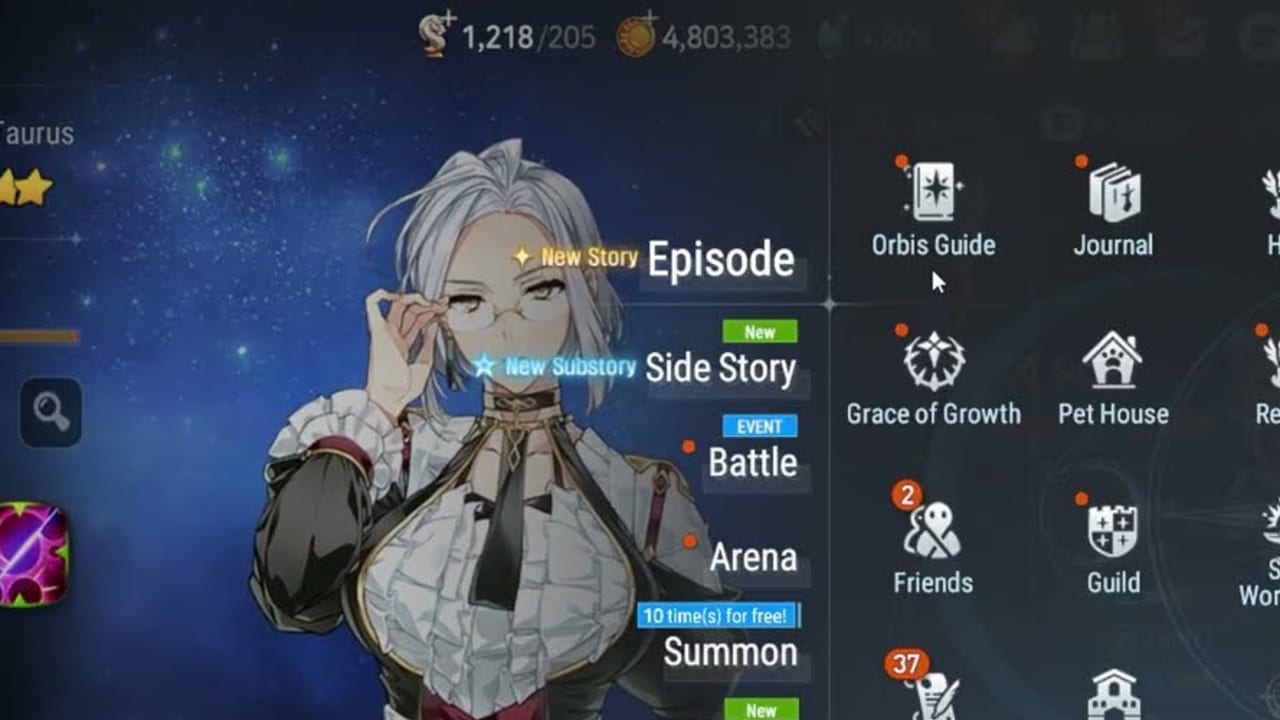
Coupon codes in Epic Seven do not type into a chat window. They go through Smilegate’s STOVE account layer, then the client mailbox. If you paste a string from the codes hub and nothing arrives, the failure is almost always the membership number, the server dropdown, or an expired code — not a hidden in-game button.
Method 1: Official web coupon page
This is the path that still works on iOS, Android, STOVE PC, and a linked Steam account.
- Open
https://epic7.onstove.com/en/couponand sign in with the STOVE account that owns the character. - Choose the server / world you actually play. Global players must pick the correct world, not a leftover guest world.
- Confirm the nickname that auto-fills. If the name is blank, you are on the wrong account or the wrong world.
- Paste one code from the working codes list. Submit once. Do not mash retry on a red error.
- Launch Epic Seven and open the mailbox. Claim. Restart the client if the mail is missing after a minute.
You can redeem without being logged into the game client, but you cannot redeem without a STOVE login. Guest-only installs need to bind email or SNS first or the coupon page has nothing to target.
Method 2: STOVE Coupon Box
When the public coupon URL is overloaded after a showcase, use the launcher that is already tied to your login.
- Open the STOVE client and click your profile / coin area at the top.
- Open Coupon Box, select Epic Seven, paste the code, and confirm.
- Click the registered coupon, choose Use, then pick the character.
- Collect mail in-game.
This path is the same membership number as the web form. It simply skips the public page that melts when a World Championship moderator drops a code on stream.
Method 3: In-game coupon button
Some Android and PC builds still expose Event News → Coupon, or a Settings footer link that says Go to Enter Coupon. iOS players have lost that button for long stretches after past bugs. If you do not see Coupon, stop hunting the UI and use Method 1. Smilegate’s own FAQ tells every platform to use the web page.
Membership number versus account number
This is the #1 support ticket. Settings → Account Settings → Account Management shows a STOVE membership number in the corner. That is the value the coupon form wants. The in-game Account No. is a different identifier. Typing the wrong one silently fails or credits a stranger. Double-check before you submit an anniversary coupon that you cannot reuse.
Steam, PC, and mobile
Linked accounts share one membership number. If you just wishlisted the Steam client and created a fresh Steam-only login, redeem on that new ID — old mobile codes will not jump worlds until you finish the official account transfer. Cross-play is supported after linking; coupons are not a merge tool.
Errors you will actually see
- Already used — this account claimed it. Stop.
- Expired / not valid — dead code. Check the codes hub instead of retrying case changes.
- Server restricted — some drops are Korea-only or event-world-only.
- Cannot find character — wrong world dropdown or unbound guest.
- Site will not load — switch to Coupon Box.
Never share screenshots that show the full membership number in public Discord. You do not need a new account; you need the correct ID on the form.
What to do with the loot
Leifs are energy. Spend them on Hunt or the current event shop, not on random Spirit Altar loops. The hunt guide is the first energy sink after you finish Connections. Catalyst chests wait until you have a unit from the starter list that you are willing to skill. Charm chests wait until you understand gear score. Gold Transmit Stones are bookmarks — park them until you read summons and pity.
New accounts should redeem, then immediately return to getting started rather than refreshing code blogs all afternoon. Codes are a bonus, not a progression system.
Frequently Asked Questions
Quick answers Heirs search for every patch.
Why did my Epic Seven code not work on iOS?
Use the web coupon page with your STOVE membership number. The in-game iOS coupon button has been removed or broken for long stretches.
Where is my STOVE membership number?
Settings → Account Settings → Account Management. It is not the in-game Account No.
Can I redeem the same code on two characters?
Almost never. Coupons are once per STOVE account, then you pick one character.
Do I need to be in the lobby to redeem?
No. Redeem on the web, then claim mail when you next launch.